From Raspberry Pi to NUC: An Upgrade of My Toy
- EN
- ZH-CN
Table of Contents
I replaced the Raspberry Pi 4B I used for lightweight services with an Intel NUC, moving from ARM to x86 and from a TF card to an SSD.
#
Raspberry Pi: Pros and Cons
The Raspberry Pi 4B monitored my home network traffic, ran automation scripts, and occasionally served as a development and test environment. I also configured it to reboot automatically every Sunday.
But its shortcomings surfaced as I pushed it further. What worried me most was the reliability of TF‑card storage — even with so‑called “endurance” cards, you can’t fully avoid I/O risks. After I published the article on setting up k3s on a Raspberry Pi 5 cluster, my four‑node cluster ran stably for only a week before one node died due to a sudden flood of I/O errors. Ironically, that node was using a carefully chosen high‑endurance card, which ended up lasting even shorter than the ordinary card in the 4B.
Compiling larger projects took a long time, and running several services at once sometimes caused stutters. An external SSD could address the storage problem, but I eventually chose to move to a NUC.
#
Moving to the NUC
The NUC isn’t much bigger than a Pi, but its metal shell is noticeably heavier. I installed Ubuntu Desktop 24.04. The same Go project takes 3 minutes to compile on the Pi and 1 minute on the NUC.
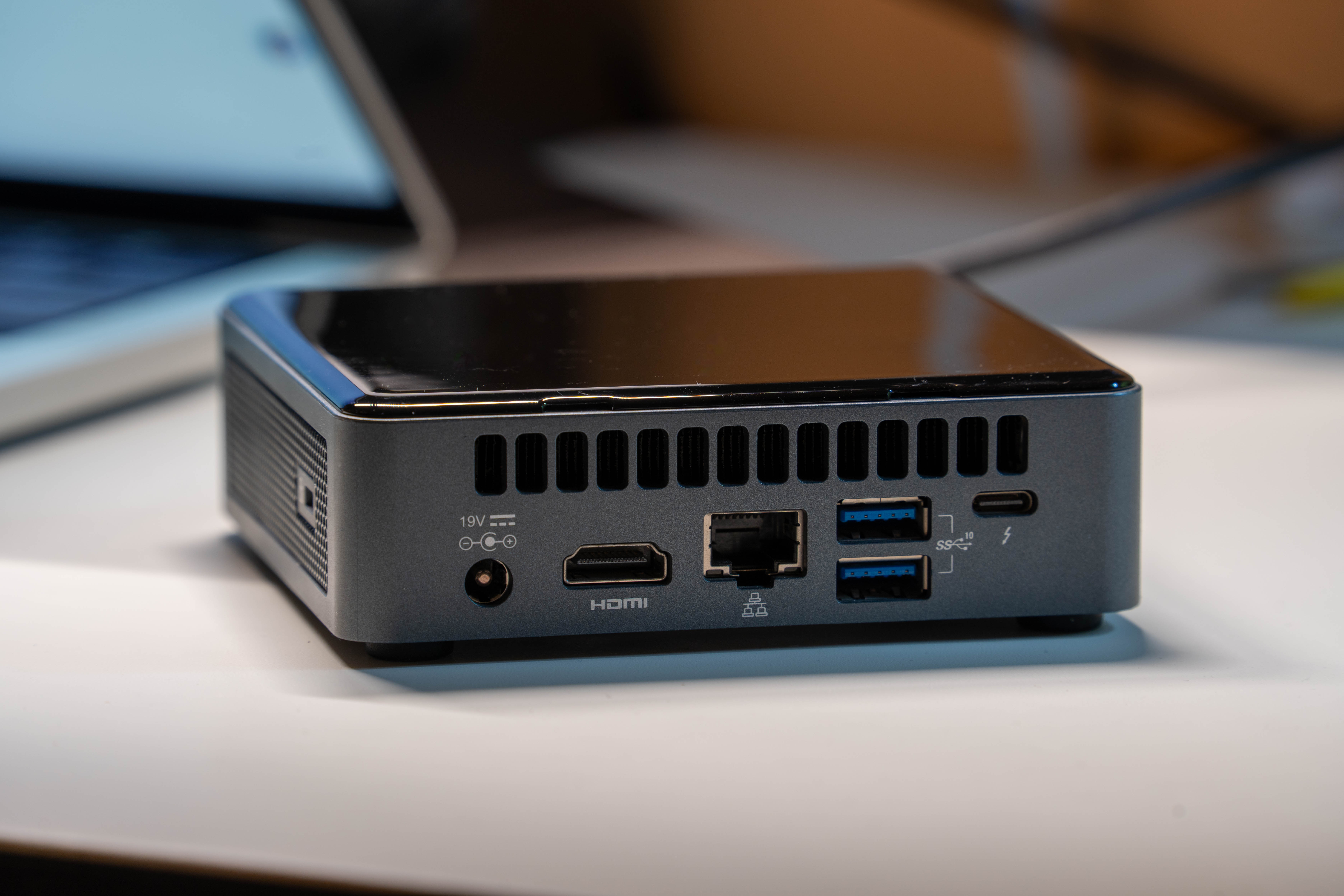
With the built-in SSD, I also feel comfortable running a small database locally. Before, I worried that frequent writes would wear out the TF card.
The retired Raspberry Pis will continue serving as edge-computing nodes.